Most beginner trading mistakes in crypto apps do not start with a bad coin pick. They start with the wrong order type. In a fast market, tapping market buy or market sell can turn a planned trade into slippage, poor entry and emotional position sizing.
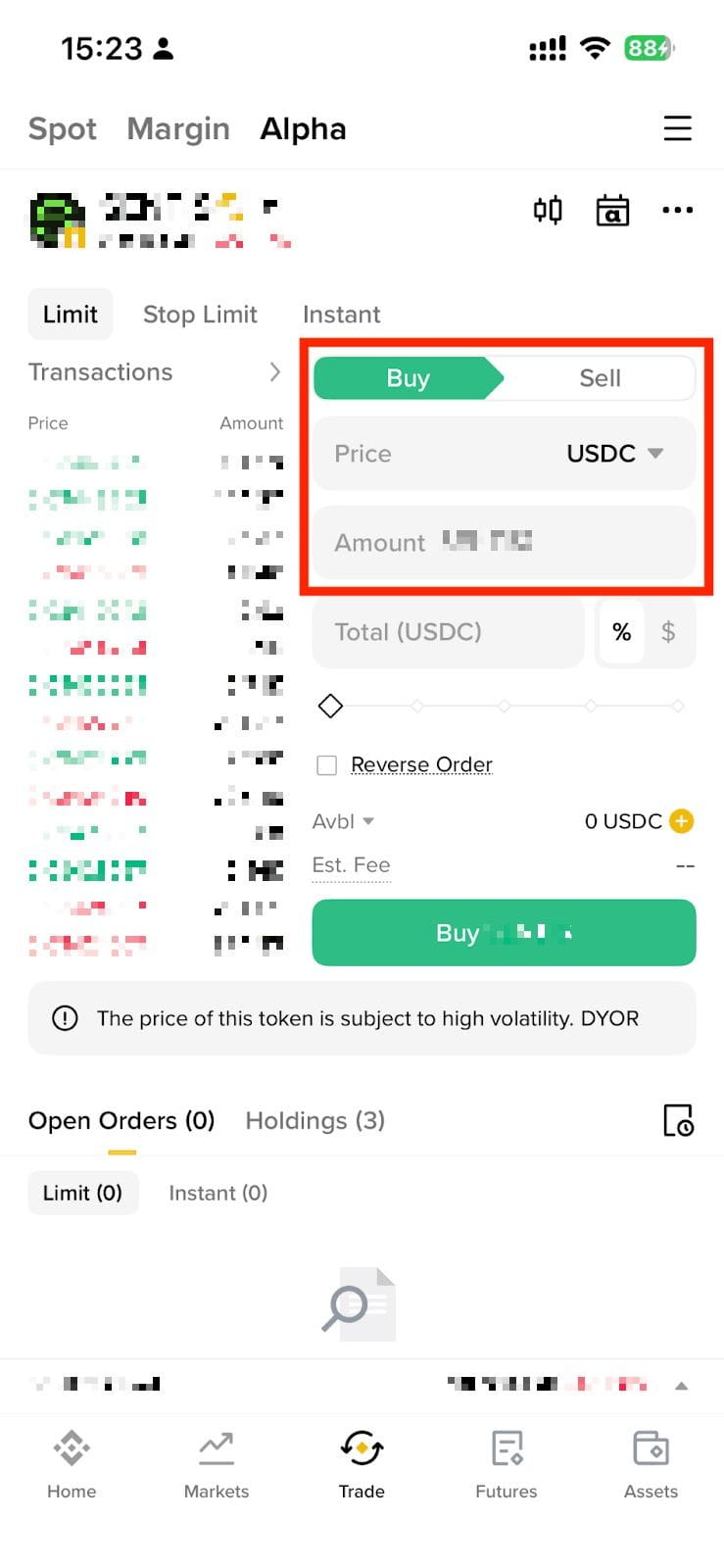
A limit order lets you set the maximum price you are willing to pay or the minimum price you are willing to accept. Binance’s support guide explains that this gives the trader control over execution price, although the order may stay unfilled if the market never reaches that price.
A stop-limit order adds a trigger. Binance describes it as an order with both a stop price and a limit price: once the stop price is reached, the limit order is placed on the order book. For sell orders, Binance notes that setting the stop price slightly above the limit price can create a safety gap; for buy orders, the stop can be slightly below the limit. The point is not to predict perfectly, but to avoid a trigger that cannot fill.
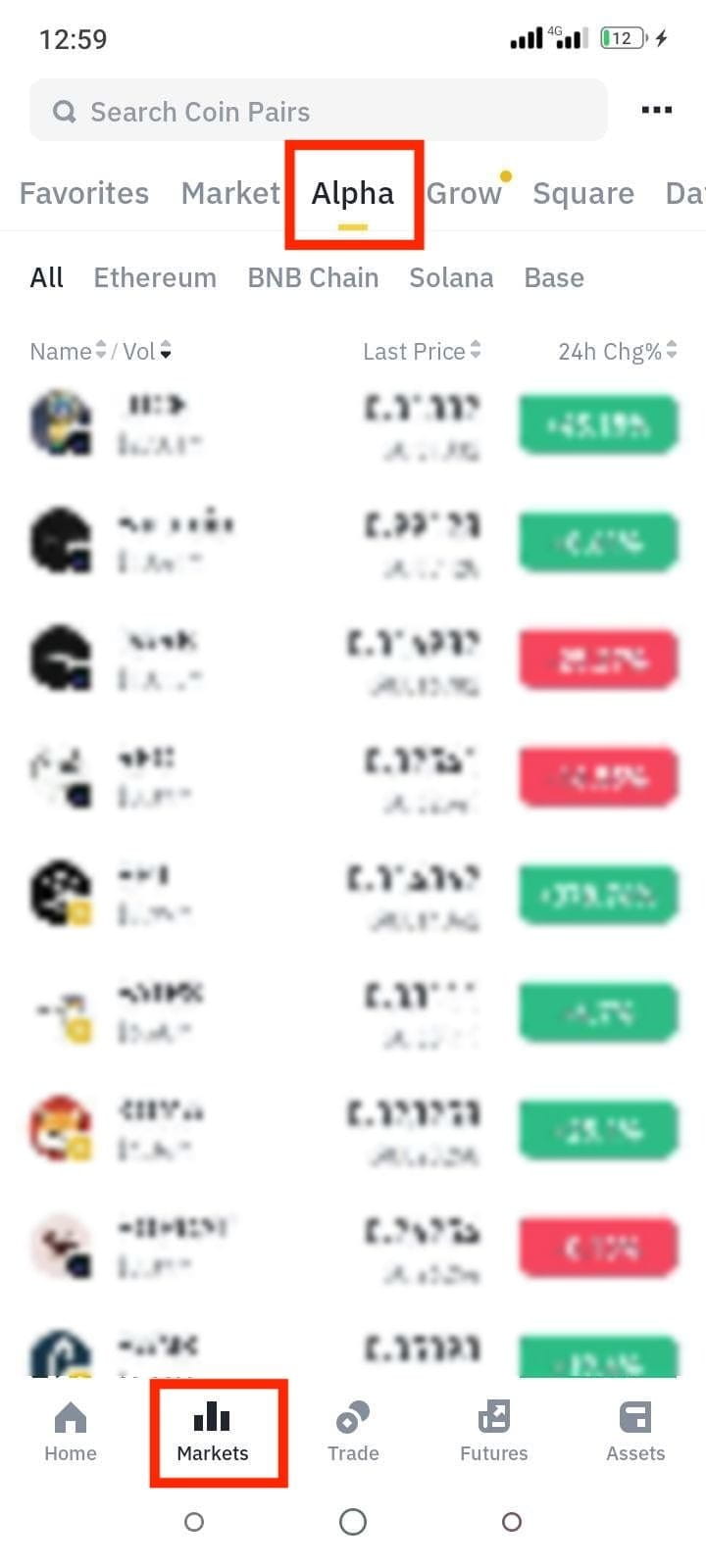
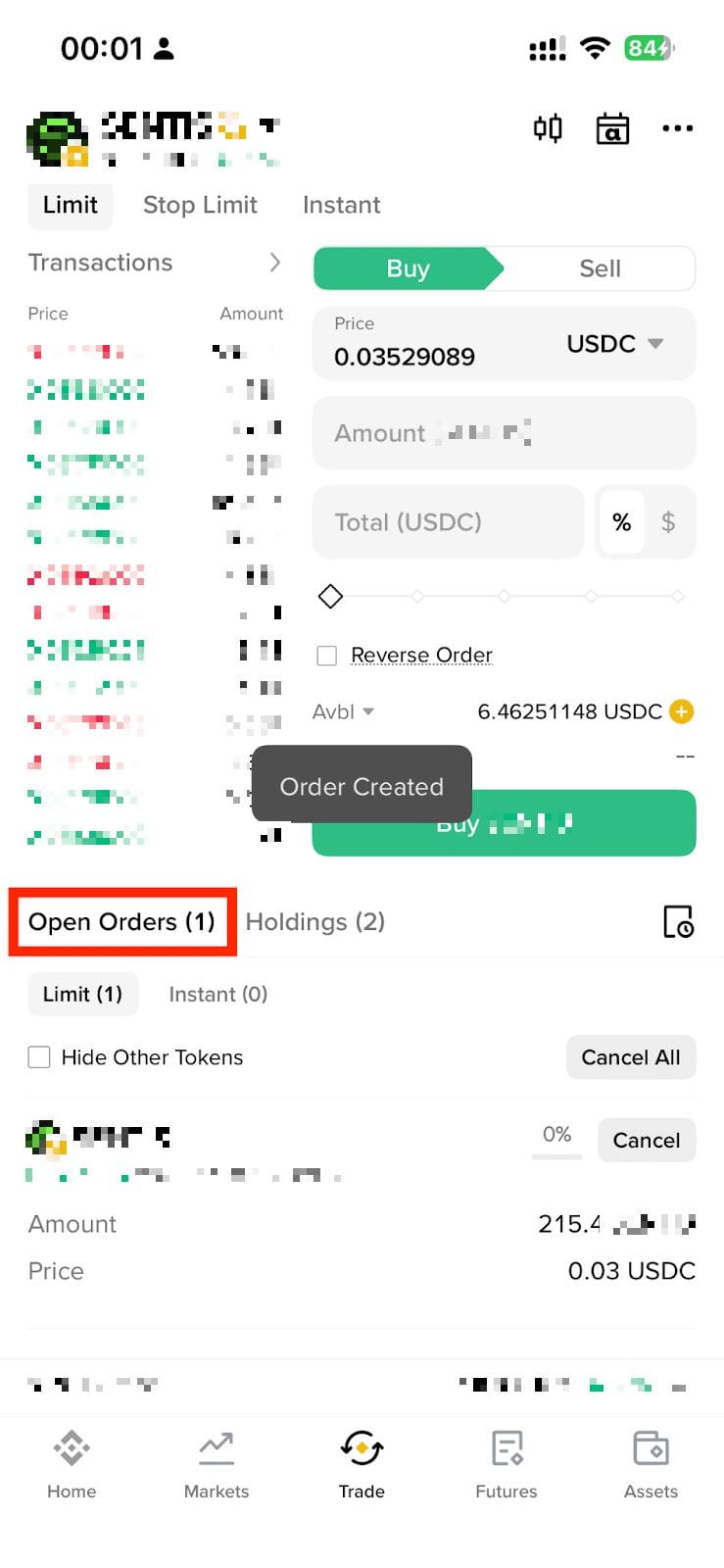
The practical app workflow is: choose the market, confirm that the pair is liquid, select the correct order type, enter price and size, review estimated cost and fee, then check open orders after submission. If the order is unfilled, decide whether your thesis is still valid before chasing the market. Canceling an order is often better than converting it into an impulsive market order.
For futures users, the extra risk is margin. Binance’s 2026 USD-margined futures upgrade moved stop market and stop limit behavior into a unified conditional-order interface. The important note is that conditional orders may not occupy margin when placed; if available margin is insufficient when triggered, the order can be rejected. That means a stop plan is only as good as the margin left to support it.
Use market orders when execution certainty matters more than price precision, such as exiting a mistake in a liquid pair. Use limit orders when price matters and patience is acceptable. Use stop-limit or conditional orders when you need a structured trigger, but always leave realistic price distance and margin. For low-liquidity tokens, widen expectations or reduce size because the order book can move before your order fills.
Risk notice: This guide is educational and is not official customer support or personalized investment advice. Order availability, minimum size, fees, regional access and interface names can change by exchange and account type. Futures and leveraged products can cause rapid losses, including liquidation.
Sources: Binance guide to limit and stop-limit orders in the app; Binance USD-margined futures conditional-order upgrade; Binance notice on spot pair removals and bot cancellation risk.
原创文章,作者:financial transaction,如若转载,请注明出处:https://www.fanbi.net/archives/849