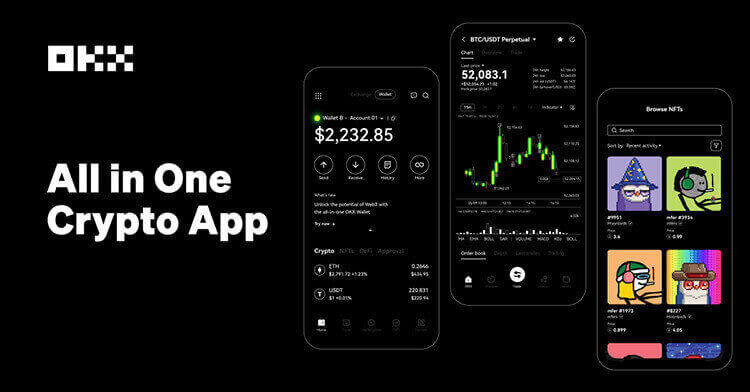
OKX’s help center explains that users can choose among account modes such as spot mode, futures mode and advanced mode, with advanced settings including multi-currency and portfolio margin structures. It also documents how traders can switch between one-way and hedge mode for derivatives.
The beginner mistake is to copy a futures strategy first and check account mode later. That reverses the order of risk control. Account mode affects what collateral is used, how positions are displayed, whether long and short exposure can coexist, and how liquidation risk is monitored.
One-way mode is usually simpler because the account holds one net direction for a contract. Hedge mode can be useful for traders who manage separate long and short legs, but it also makes position review more demanding. OKX notes that switching modes may require no open positions, which means the decision should be made before a volatile entry.
Multi-currency margin and portfolio-style settings can improve capital efficiency for experienced users, but they also connect assets more tightly. A loss in one product can affect available margin elsewhere. New users should understand settlement currency, collateral haircuts, and liquidation notices before moving beyond a straightforward futures setup.
Practical checklist: choose account mode, confirm position mode, verify settlement currency, place a small test order if needed, and write down the exit rule before increasing size.
Sources: OKX comparison of futures mode and multi-currency margin mode; OKX hedge-mode help page; OKX trading-settings FAQ.
Risk notice: This guide is educational. Futures, swaps and margin products can trigger liquidation, and account-mode choices can change how losses affect collateral.
原创文章,作者:financial transaction,如若转载,请注明出处:https://www.fanbi.net/archives/3797