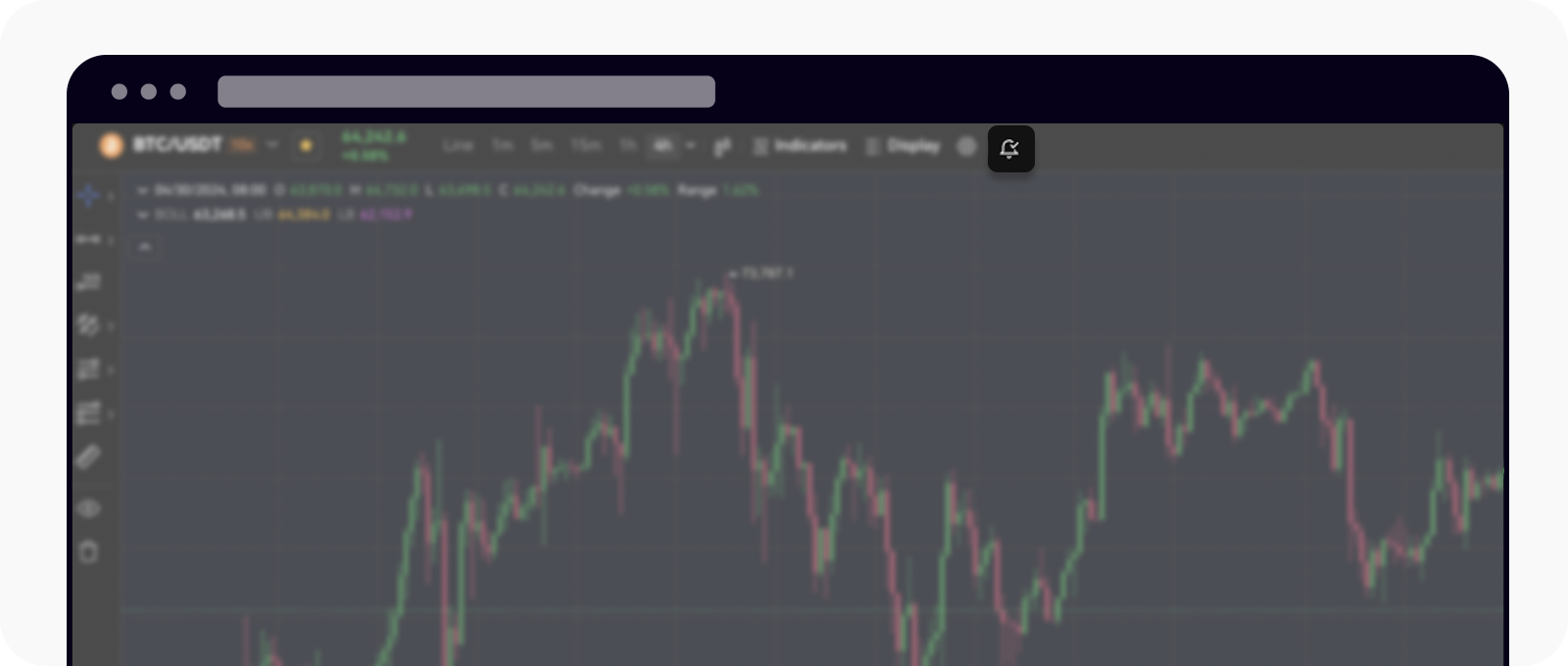
Price alerts are useful only when they are tied to a decision. OKX?s help page says users can set alerts on the app by going to Trade, choosing the trading type, opening the three-dot menu, selecting Alerts and adding an alert. On web, the alert entry point is the bell icon above the trading chart. OKX also notes that trade notifications can be adjusted under Settings, Preferences and Trade notifications.
A practical setup starts with three alert types. The first is a breakout alert above a range high, used to remind you to check volume and spread before chasing. The second is a breakdown alert below support, used to review whether a stop, hedge or reduced position is needed. The third is a volatility alert around news windows, used to avoid placing market orders into thin liquidity.
For spot traders, alerts should connect to watchlist discipline. If BTC, ETH or a major altcoin reaches a planned level, decide in advance whether the action is to do nothing, place a limit order, rebalance or cancel an old idea. For contract traders, the same alert should be paired with liquidation distance, funding rate and margin usage. An alert that arrives when your leverage is too high is a risk warning, not an invitation to add size.
Notification settings also matter. Too many alerts train users to ignore them; too few alerts leave traders reacting late. A clean approach is to reserve push notifications for risk levels, use in-app alerts for watchlist ideas, and review stale alerts once a week so old market assumptions do not keep firing.
Risk notice: Platform alerts can fail, arrive late or be ignored during fast markets. They are planning tools, not guaranteed execution tools or investment recommendations.
Sources: OKX Help Center: price alerts; OKX Learn app and alert discussion.
原创文章,作者:financial transaction,如若转载,请注明出处:https://www.fanbi.net/archives/3119