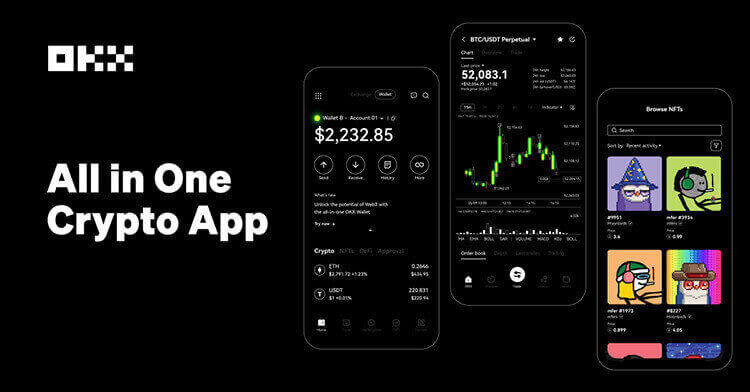

OKX?s support page describes a trailing stop as a TP/SL order that adjusts with market movement. In the app workflow, the user enters futures trading, selects a position, chooses TP/SL and then selects trailing stop. The trader can choose percentage or constant variance, enter the amount and optionally set an activation price.
The activation price is the part many beginners skip. Without it, the order can begin tracking immediately, which may be fine for protecting an already profitable trade but unsuitable for a breakout plan. With an activation price, the trailing logic starts only after the market reaches the chosen trigger. That makes the order more like a conditional plan than a simple panic button.
A practical setup starts with the trade thesis. If the idea is trend continuation, the activation price can sit beyond the confirmation level and the callback should allow normal noise. If the idea is protecting profit, the activation price may be unnecessary, but the callback still needs to match the contract?s volatility. A callback that is too tight turns the trailing stop into a market-noise exit.
- Define the position size first, because trailing stops do not fix overleverage.
- Choose percentage variance for relative moves and constant variance when the contract has a familiar price range.
- Check whether the stop uses last price or mark-price logic on the product you trade.
- Do not place the callback inside the normal bid-ask and one-minute noise range.
Sources: OKX help page on placing a trailing stop order; OKX Learn trailing stop explainer; Binance Futures order-type reference for trailing stop context.
Risk notice: trailing stops can reduce manual execution risk, but they do not guarantee fill price or prevent losses during gaps, illiquidity or fast markets. This article is educational only.
原创文章,作者:financial transaction,如若转载,请注明出处:https://www.fanbi.net/archives/2871

:max_bytes(150000):strip_icc()/GettyImages-2276773527-bf025e18d0ca420596fc7e6e9cad92c7.jpg)