
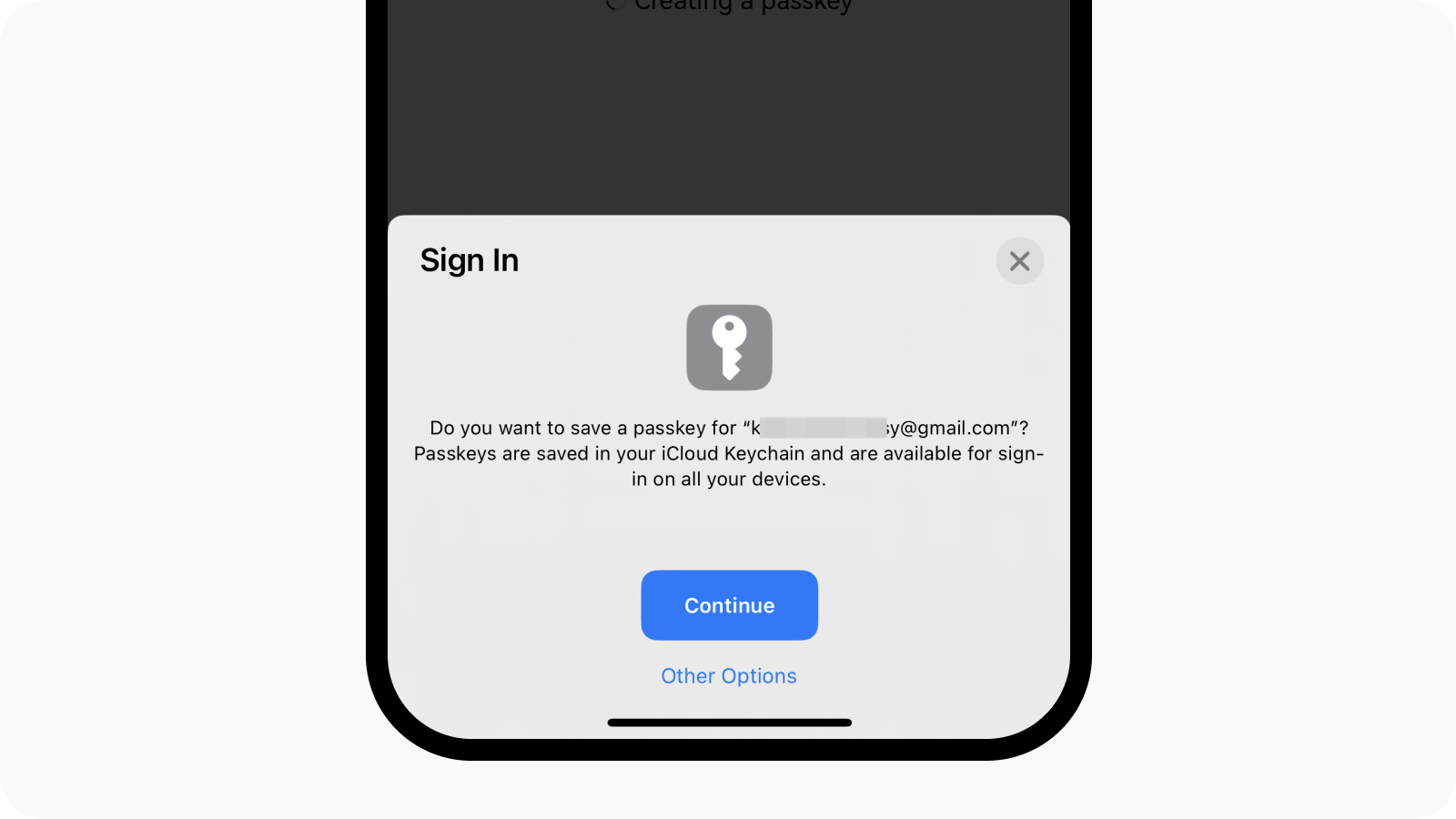
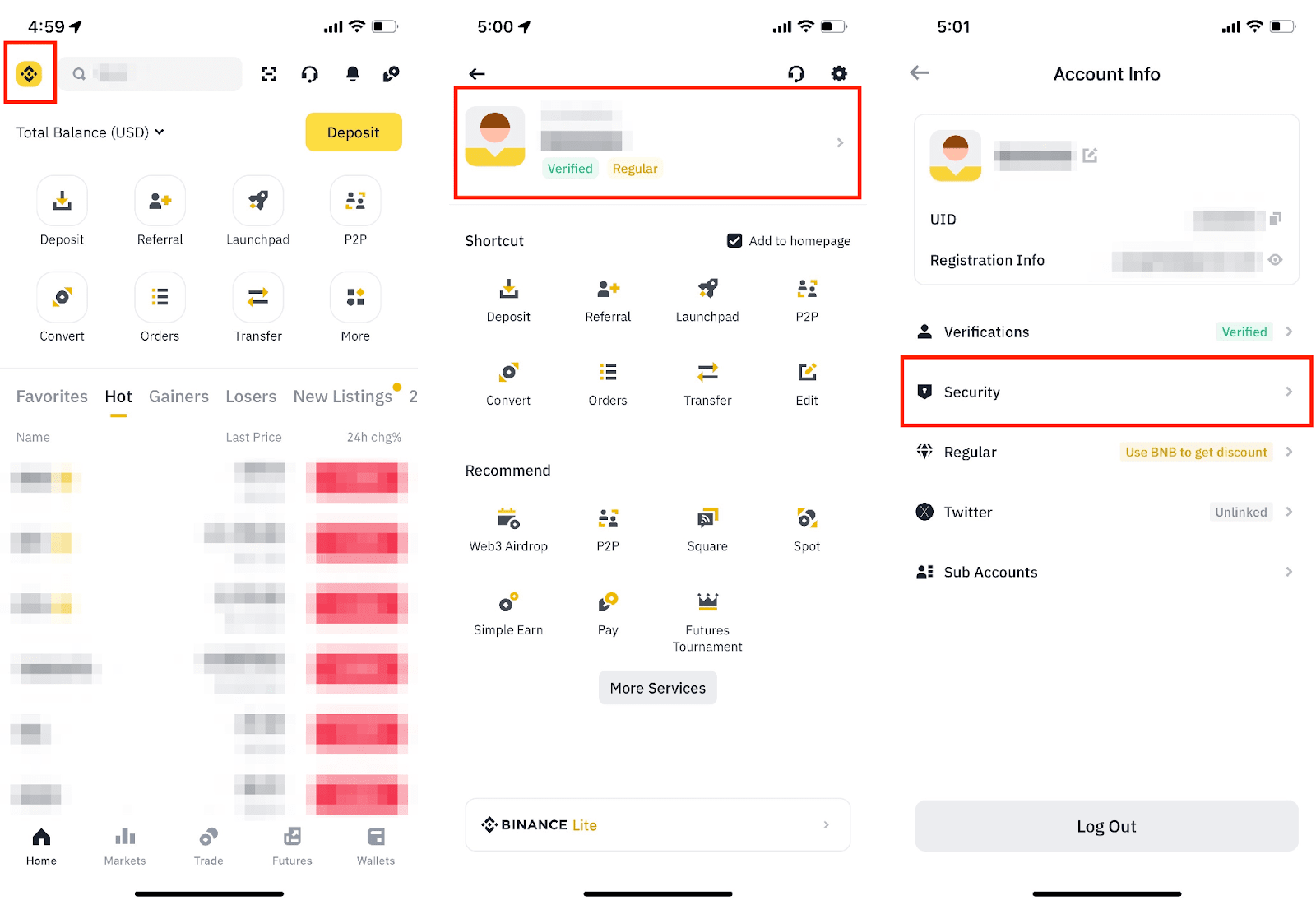
Passkeys are moving from optional tech feature to basic exchange hygiene. Binance explains that users can add passkeys through its app security settings using iCloud Keychain, Google Password Manager, a phone lock or a USB/NFC security key. OKX support describes passkeys as a FIDO method that can use biometrics or a hardware key, and notes that removing a passkey may trigger a withdrawal and P2P restriction. Kraken says passkeys can satisfy sign-in 2FA and are bound to the legitimate site or app identity.
The trader workflow should start before pressing enable. Confirm your phone OS, browser and app versions support passkeys; add more than one method where the platform permits it; keep a recovery path that does not depend on the same lost phone; and record which exchange account, device and key each passkey belongs to.
Passkeys reduce phishing risk because a credential created for the real exchange should not authenticate on a fake domain. They do not remove all risk. A compromised logged-in device, weak email security, SIM-swap exposure, malicious remote-control software or careless withdrawal approvals can still lead to losses.
A practical setup order is: secure email first, turn on authenticator or hardware-key 2FA, add passkeys, set anti-phishing codes, review withdrawal address rules, then test login from a second trusted device. Do not remove older 2FA until you understand the exchange’s lockout and withdrawal-hold rules.
Risk notice: Security features reduce risk but cannot guarantee asset protection. Follow official exchange instructions and keep independent account-recovery records.
Sources
原创文章,作者:financial transaction,如若转载,请注明出处:https://www.fanbi.net/archives/2092

:max_bytes(150000):strip_icc()/cme-fedwatch-tool-7559817-final-11e4b616b4bb4f43a15b6d8cef830509.png)