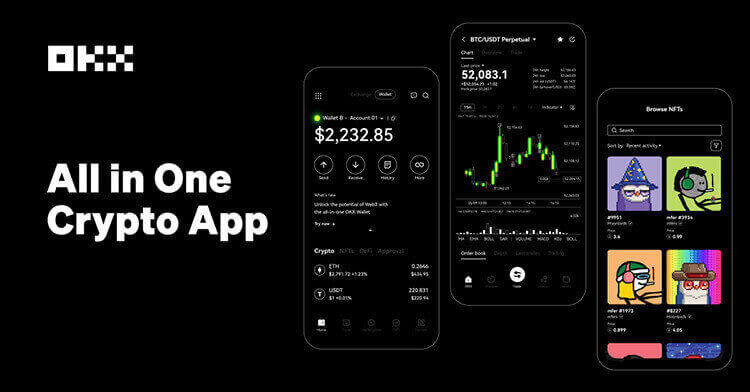
Spot trading is the simplest exchange workflow because you buy or sell the actual crypto asset instead of opening a leveraged contract. Binance Academy’s recent spot guide explains the core difference clearly: spot trading involves immediate ownership of the asset, while futures are contracts and can include leverage and liquidation risk.
The first decision is the trading pair. A BTC/USDT order, for example, means you are exchanging between bitcoin and USDT. Before tapping buy or sell, check available balance, minimum order size, spread, order-book depth and whether the app is showing spot mode rather than margin or futures mode.
The second decision is order type. A market order prioritizes speed and accepts available liquidity, which can create slippage in fast markets. A limit order lets you name the price, but execution is not guaranteed. Binance support materials and OKX’s order-type guide describe stop and TP/SL-style orders as conditional tools that trigger only after a selected price condition is reached, helping traders plan entries or exits around a level instead of reacting emotionally.
For beginners, the safest workflow is usually: use small size, start with a limit order in a liquid pair, preview estimated fees, confirm the trading mode, and avoid using advanced conditional orders until you understand trigger price, limit price and partial fills. If you want downside protection, learn the difference between a stop order that may slip and a stop-limit order that may not fill.
After the trade, confirm the filled quantity, average fill price, fee asset and remaining balance. If the order is only partially filled, cancel or adjust the rest rather than leaving an unwanted order open.
Sources: Binance Academy: Guide to Binance spot trading; Binance Support: Different order types in spot trading; Binance Academy: order types; OKX Help: different order types.
Risk notice: This article is educational and is not official customer support or investment advice. Crypto prices move quickly, exchange availability differs by region, and order tools cannot eliminate slippage, missed fills or market risk.
原创文章,作者:financial transaction,如若转载,请注明出处:https://www.fanbi.net/archives/1008