
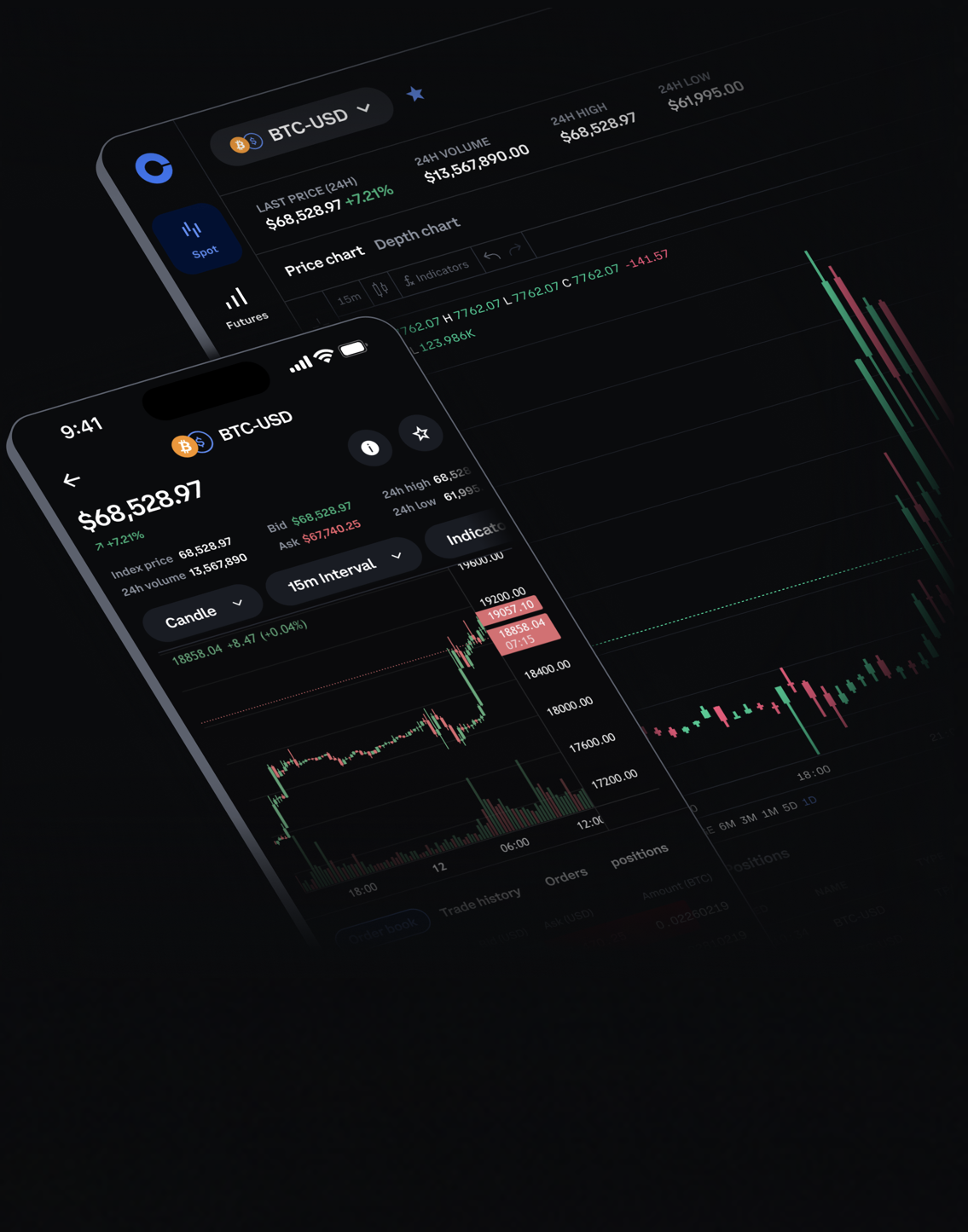
Many beginners first meet Coinbase through a simple buy or convert flow. That is convenient, but it hides several decisions that matter to active spot traders: order type, spread, maker-taker fee tier, chart context and execution timing. Coinbase Advanced is built for users who want more control over those choices rather than a one-click purchase experience.
The main difference is workflow. Simple buy is closer to a retail checkout screen: choose an asset, enter an amount and confirm. Advanced trading puts the order book, chart, recent trades and order ticket in the same workspace. That helps a trader decide whether to use a market order for speed, a limit order for price control, or a stop-limit structure for a predefined trigger.
Fees and liquidity should be checked before the order, not after. A small market order in a deep BTC-USD or ETH-USD book may be simple to execute, while a larger order or a less liquid pair can create more slippage. A maker limit order may reduce fees in some schedules, but it can also sit unfilled if price runs away. The cheapest-looking order is not always the best execution.
A practical comparison: use simple buy for small, low-frequency purchases where convenience is the priority; use Advanced when order type, visible spread, fee tier and chart level matter. For new traders, the right progression is to learn limit orders and order cancellation first, then study stop orders, portfolio allocation and withdrawal security.
Risk notice: This article explains exchange workflow and spot-order mechanics. It is not financial advice. Crypto spot prices are volatile, and different regions, verification levels and assets may have different product access and fees.
Sources: Coinbase Advanced Trade product page; Coinbase Advanced order-types help; Coinbase Advanced fees help.
原创文章,作者:financial transaction,如若转载,请注明出处:https://www.fanbi.net/archives/923

