
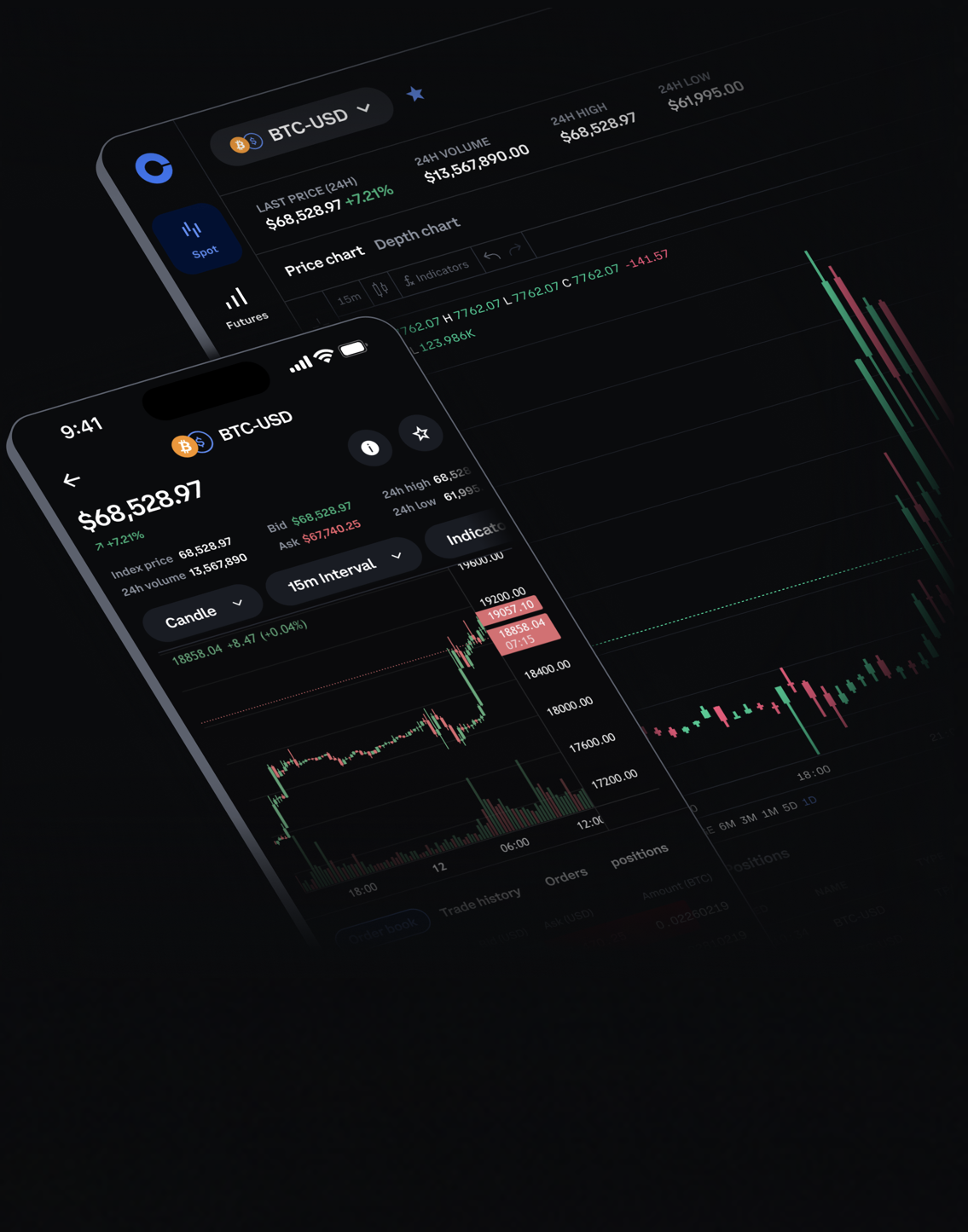
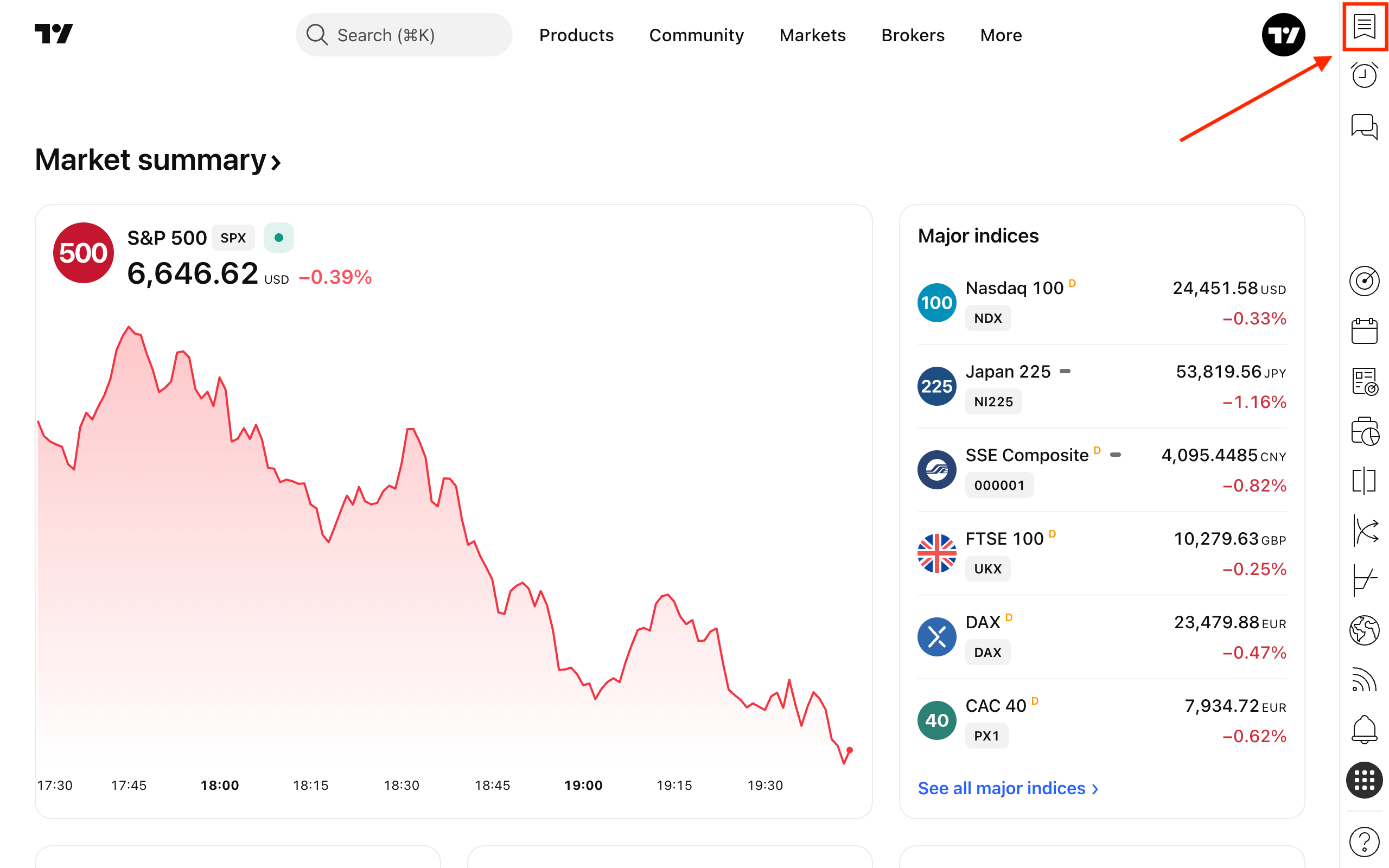
A good trading app setup should reduce decisions, not create more of them. Coinbase Help says Coinbase Advanced provides interactive charts, order books, live trade history and TradingView functionality with many indicators and chart types. TradingView’s own watchlist guide emphasizes grouping symbols so a trader can scan markets by asset type, sector or theme. Used together, these tools can become a simple signal filter.
Start with three lists instead of one giant watchlist. The first list should contain core tradable assets you actually trade. The second should contain cross-market signals such as BTC, ETH, the dollar index, Treasury yields, gold, Nasdaq futures or crypto-related equities. The third should contain ideas under review, which prevents every interesting chart from becoming an active trade.
On Coinbase Advanced, read the chart together with order-book depth and recent trade history. A breakout with thin depth, wide spreads or one-sided aggressive trades is different from a breakout supported by orderly liquidity. On TradingView, alerts should be written as conditions for attention, not as instructions to chase. Examples include reclaiming a prior day high, breaking a volatility range, or reaching a price where risk-reward can be recalculated.
The key discipline is to connect every alert to an action plan before the alert fires. Decide position size, invalidation level, order type and whether you will use a market, limit or stop order. If the plan is unclear, the alert is only noise. Traders who follow multiple markets should also avoid duplicate alerts across BTC, crypto equities and Nasdaq futures when they all represent the same risk-on signal.
Risk notice: Platform tools do not remove market risk. Alerts, charts and order books can fail or lag during volatile markets, and this article is not investment advice.
Sources: Coinbase Advanced dashboard overview; Coinbase Advanced product page; TradingView watchlist guide; TradingView extended-hours alert update.
原创文章,作者:financial transaction,如若转载,请注明出处:https://www.fanbi.net/archives/3590