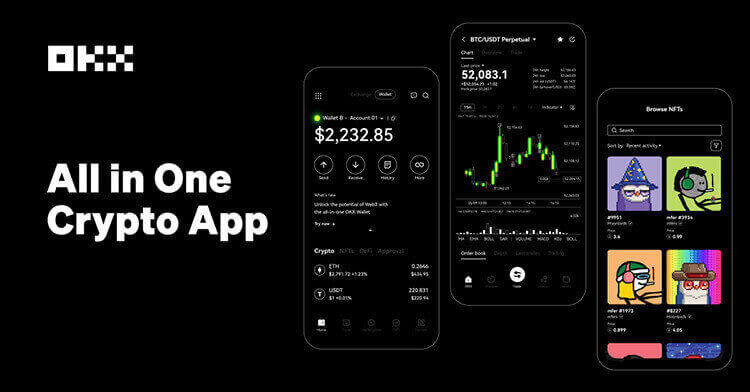

Most major crypto apps now offer price alerts, watchlist notifications or trade-page alert tools. Coinbase documents custom price alerts through mobile notification settings. Binance says app alerts can be set from Markets in Pro mode. Kraken supports market alerts and watchlist alerts. OKX provides chart and trade-page alerts, and Crypto.com documents exchange price alerts and notification settings.
The feature is simple; the workflow is not. A trader who turns on every notification quickly trains themselves to ignore the important ones. A better setup uses alerts as decision gates: one alert for a level where a plan should be reviewed, another for a risk level where exposure should be reduced, and a separate watchlist alert for unusual volatility.
Before creating an alert, define the action. Examples include checking liquidity before placing a limit order, reviewing funding rates before opening a perpetual, confirming whether volume supports a breakout, or canceling an old order if price moves too far away. If the alert has no action, it is probably just noise.
Use different channels for different severity. Push notifications can be reserved for active positions or risk limits. Email or in-app notifications can cover slower watchlist monitoring. For futures traders, alerts should include liquidation-distance and margin-use context, not just entry prices.
Finally, maintain the list. Delete stale alerts after a trade is closed, revise targets after major news and check whether the app’s device-level notifications are enabled. A missed alert can be a phone-setting problem rather than an exchange problem.
Sources: Coinbase price-alert guide; Binance price-alert FAQ; Kraken market alerts; Kraken watchlist alerts; OKX price-alert guide; Crypto.com Exchange price alerts.
Risk notice: Alerts can fail, arrive late or be ignored during fast markets. They are planning tools, not guaranteed execution or risk-control systems.
原创文章,作者:financial transaction,如若转载,请注明出处:https://www.fanbi.net/archives/1730