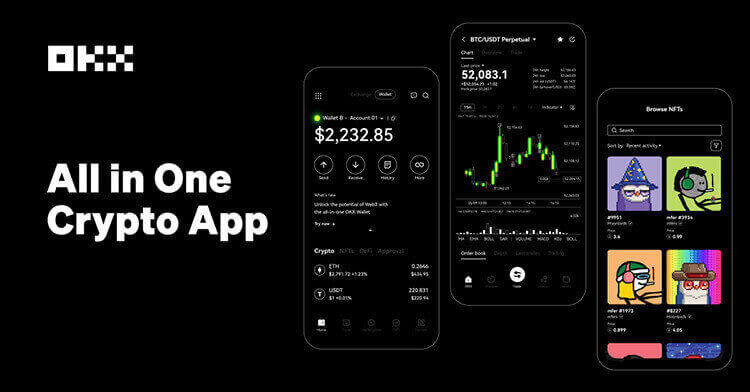
OKX’s help center describes Convert as a simple way to swap one supported crypto asset for another from the app or web interface. The workflow is direct: open Trade and Convert, choose the asset to convert from and to, enter an amount, preview the quote and confirm before the quote expires. OKX also notes that only supported assets are shown and that quotes refresh quickly.
Convert is useful when a user wants a fast swap and does not want to manage an order book, limit price or partial fill. It can be especially practical for small balance cleanup, moving from a volatile token into a stablecoin, or preparing a coin needed for fees or transfers. The trade-off is that the all-in conversion rate may include spread, and the user may not see the same control as a spot limit order.
Before confirming, traders should check the source account, the destination asset, the displayed rate, any minimum amount, and whether the quote still matches the market. If the swap is large or the market is volatile, compare the Convert quote with the spot order book. A limit order may be slower but can give more price control.
Decision rule: use Convert for simplicity and small operational swaps; use spot orders when price control, order-book depth and execution cost matter more than speed.
Sources: OKX help: how to convert crypto; OKX Convert page; OKX Convert FAQ.
Risk notice: Crypto swaps can be affected by spread, liquidity, network status and account restrictions. This guide is educational and not personalized trading advice.
原创文章,作者:financial transaction,如若转载,请注明出处:https://www.fanbi.net/archives/1561