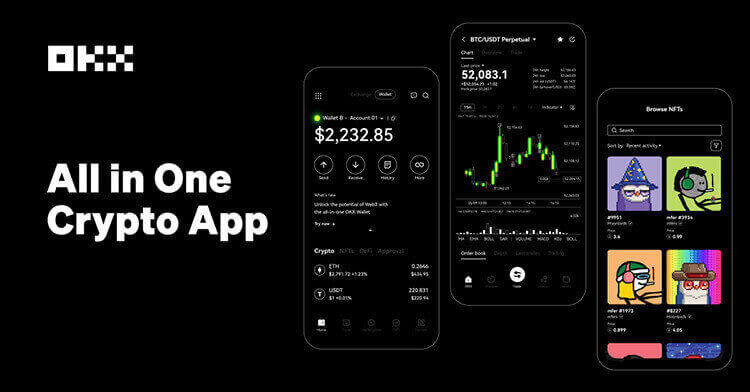

OKX’s help page says app users can add a trailing stop by opening Trade, selecting Futures, choosing an open position, then using TP/SL and Trailing stop. The order can use a percentage or constant variance, with an optional activation price. That structure is simple, but the trading decision behind it is not.
A trailing stop is not a magic profit lock. It follows price only after the conditions are met, and it stops adjusting when the market moves against the position. If the variance is too tight, normal volatility can close the trade before the original idea has time to work. If it is too wide, the order may give back more profit than the trader intended.
The activation price is the control that many beginners skip. For a long trade, setting activation above entry can make the trailing stop start only after momentum confirms. For a short trade, activation below entry can do the same. Without that filter, the order may begin trailing immediately and behave more like a regular stop with extra complexity.
A practical workflow is to define the trade thesis first, mark the invalidation area second, then choose the trailing variance last. Traders should also check whether they are using isolated or cross margin, because a trailing exit does not replace liquidation-risk management.
Sources: OKX trailing stop help page; OKX futures trading guide; GoodCrypto trailing stop explainer.
Risk notice: This tutorial is educational and not official customer support. Futures orders can trigger during fast markets, and slippage may occur.
原创文章,作者:financial transaction,如若转载,请注明出处:https://www.fanbi.net/archives/3316